The iPhone’s Long, Squishy Road to Self-Acceptance
Another quarter, another massive OS update from the company that constantly reinvents the wheel only to realize the tire was flat all along. We’ve just installed the iOS 4.0 Beta 4 update on our sacrificial iPhone, and we have one question: Is this all just an apology letter to the design gods?
This beta is being hailed for one major, polarizing change: the return of the Liquid Glass UI. Remember the early days of iOS design when things looked like they were rendered in a slightly moist, highly translucent jelly? It’s back, baby! And while it might seem like a cosmetic flicker in the grand scheme of things, this design U-turn is actually the key to understanding Apple’s 2025 brain rot.
Here’s our breakdown of the 5 most bizarre and brilliant features that prove Apple is finally listening—or is just having an existential UI crisis.
1. The Undeniable Return of Liquid Glass
If the last few years of iOS felt like staring through a frosted bathroom window, Beta 4 is like they finally Windexed the glass. The system’s translucency is cranked up, giving navigation bars and control centers that classic, slightly wet, layered look.
This is the ultimate aesthetic paradox:
- The Tech Angle: The return of this demanding UI means Apple is finally confident in the performance of older silicon (or they just really missed the shimmer).
- The ProBrainRot Take: They realized the internet was right. We don’t want clarity; we want depth. We want to see our beautiful, chaotic wallpapers faintly blurring through every menu. It’s not just a UI change, it’s a nostalgic, digital high-five to anyone who ever complained the interface was “too flat.”
[Internal Link opportunity]: Speaking of nostalgia, is the Liquid Glass UI better than the bizarre Transparent Icon trend from two years ago? We did the full, brain-rotting breakdown here.
2. Call Screening Gets Wieldy: “Ask Reason for Calling”
Finally, a feature that feels like it was designed by someone who is chronically tired of spam. The new “Screen Unknown Callers” feature now has an option to “Ask Reason for Calling.”
Yes. Your iPhone will literally intercept the call, ask the spammer why they’re ringing, transcribe the response, and give you the option to pick up.
The Humorous Reality: This is hilarious. Now, not only will we get to read the frantic, auto-generated excuses of a desperate scammer, but we can also imagine the sheer panic on their face when they realize a robot is vetting their life-changing offer for a free cruise. It’s like a digital moat for your sanity.
- Pro Tip: Set your response tone to be slightly passive-aggressive for maximum enjoyment.
3. The Weather App Now Knows Where You’ve Been
Beta 4 introduces a new toggle for “Significant Locations” in the Weather settings. The app will now pull data from your location history to display forecasts for places you frequent, like your gym, your partner’s house, or that questionable taco truck you visit every Tuesday.
The Tech Anxiety Twist: On the one hand, super helpful. On the other hand, super-duper creepy. Your iPhone now has a perfectly mapped data log of every place you spend enough time to care about the weather. It’s a brilliant feature disguised as a subtle reminder that your phone knows you better than your mother. At least now you’ll know if it’s going to rain on your walk of shame from that “significant location.”
4. Password Notes and the End of the Mental Post-It Note
A long-overdue, unsexy, but incredibly useful quality-of-life feature: you can now add a Notes field directly to your saved password entries without digging into a second menu.
Why this matters (for your brain): For years, we’ve relied on complex internal systems to remember which of our 17 email accounts a specific password belongs to. This feature single-handedly reduces digital friction and proves that sometimes, the simplest updates are the most effective brain-savers.
5. The Subtle Icon Shifts and the OCD Check
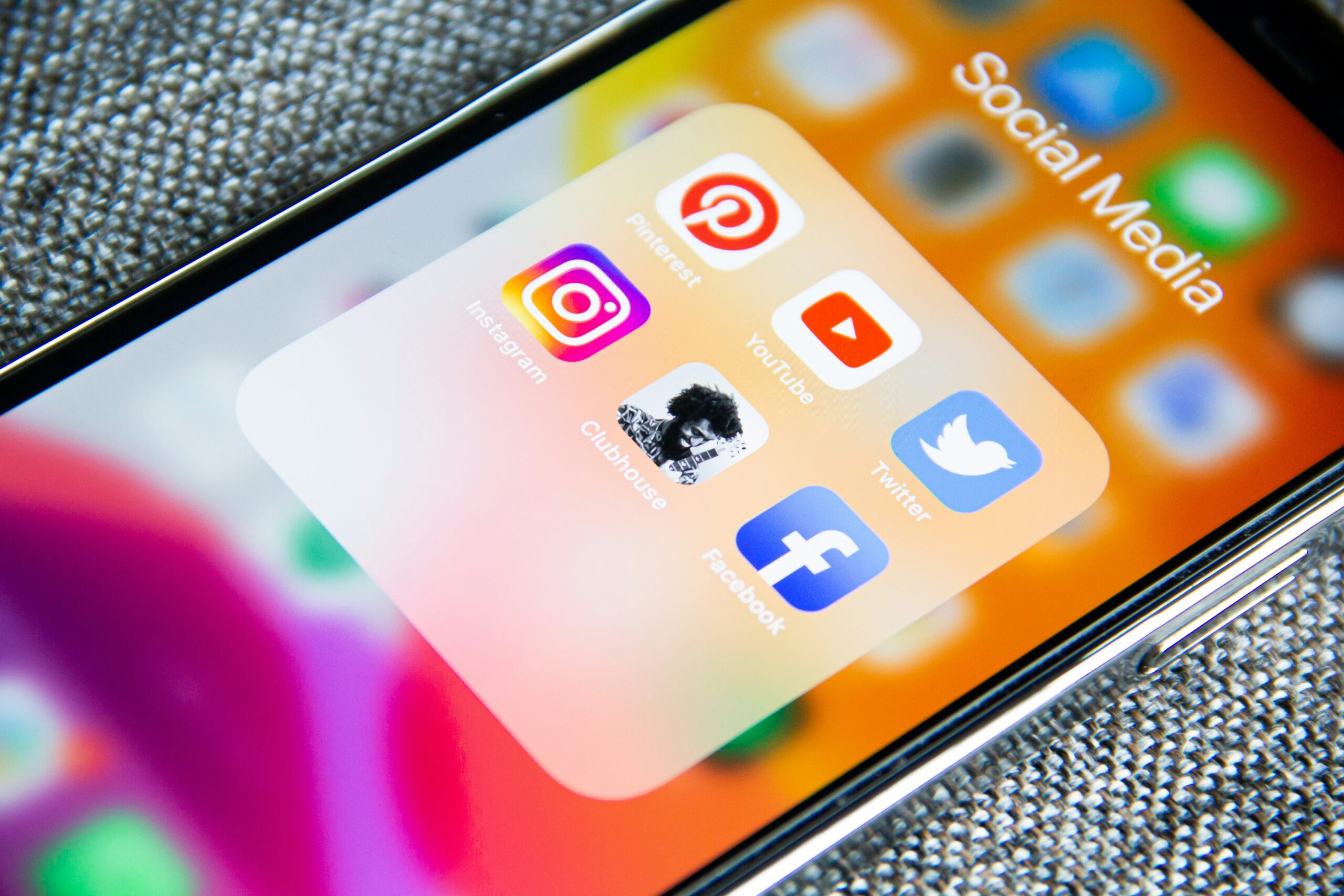
The Mail and Maps icons have received minor, almost imperceptible tweaks. The Mail icon is a little less translucent; the Maps icon has more “highlights” in Dark Mode.
The Brain Rot Analysis: Why do they do this? It’s the digital equivalent of moving the furniture in your house 3 inches to the left. It forces you to notice the change, even if you can’t articulate what’s different. It keeps the dedicated tech enthusiast slightly off-balance and proves that the smallest aesthetic shift can generate an entire cycle of YouTube videos. Welcome to the brain rot, Apple.
Should You Risk the Beta for the Glass?
The iOS 4.0 Beta 4 update is a delightful mess of design nostalgia, genuine utility (call screening!), and quiet creepiness (the weather tracking). It’s a prime example of how major tech companies are constantly trying to walk the line between innovation and familiarity.
If you’re a power-user who values seeing their beautiful background through a slightly reflective sheet of digital glass, then dive in. If you prefer stability over spectacle, maybe wait for the full public release.
What’s your favorite bizarre feature in the new beta? Did your jawline feel suddenly stronger after installing it? Drop your comments below!